
Android file transfer for Mac. Both directions.
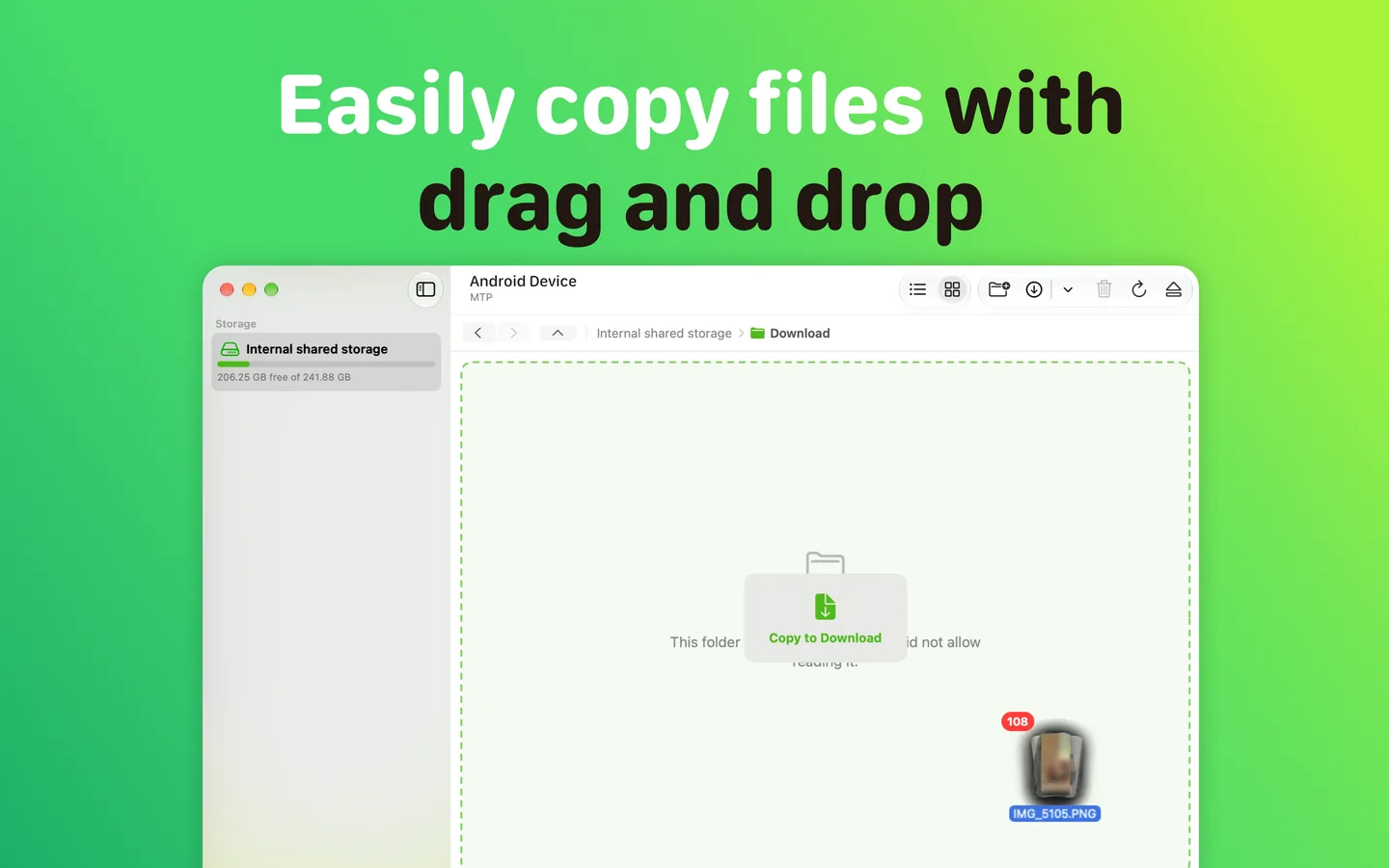
Plug in a USB cable and your phone opens like a folder in Finder. Drag photos, videos, music and documents to your Mac or back to your phone.
 Every feature included
- No subscription
- No in-app purchases
- No account
- No cloud
- Nothing to install on your phone
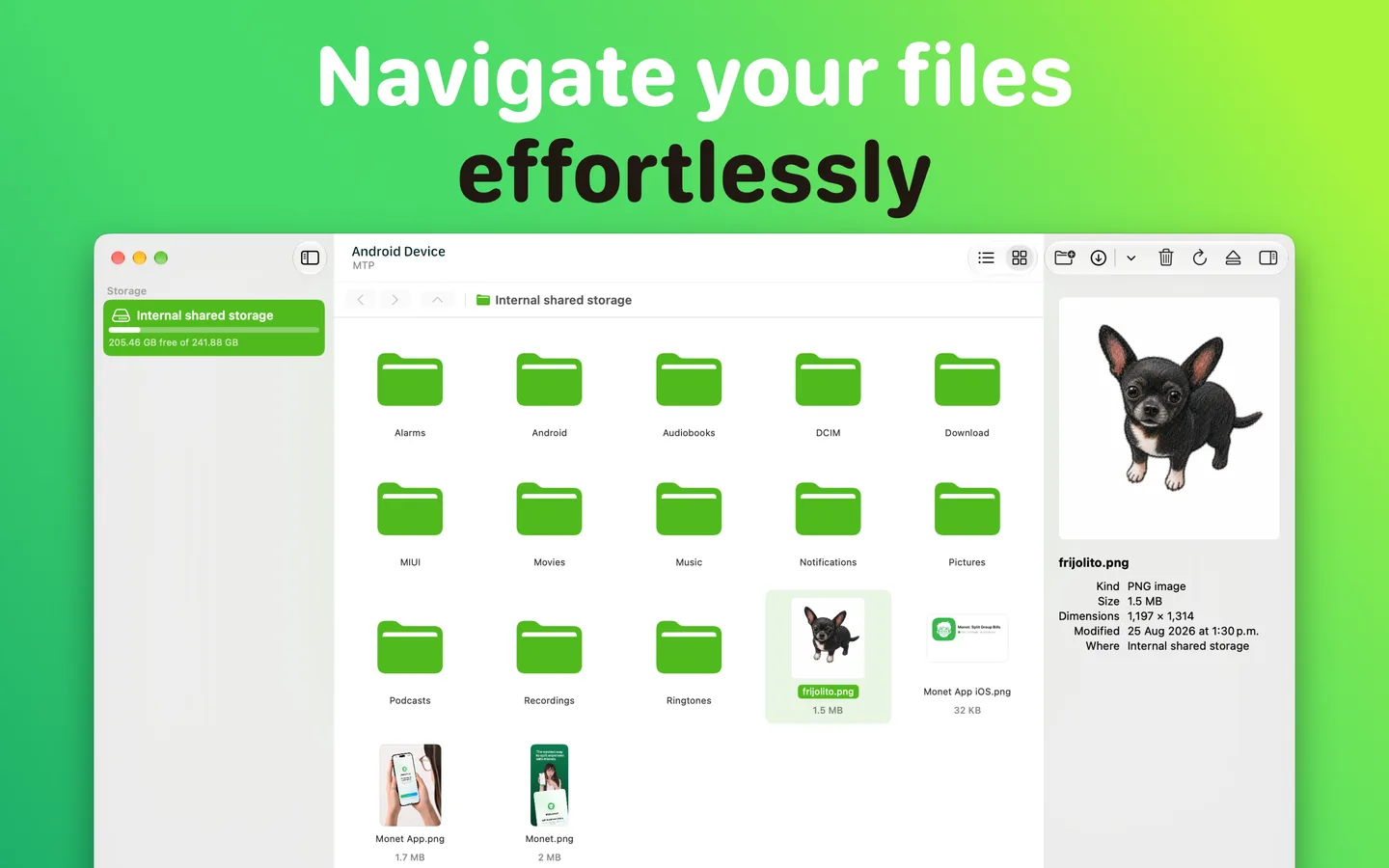
Your whole phone, right on your Mac.
- 📷Camera photos and screenshots in DCIM
- 🎬Videos, music, downloads and WhatsApp media
- 📁Any folder you created yourself
- ↔︎Whole folders at once, with drag and drop
- 💾Internal storage and SD cards, side by side
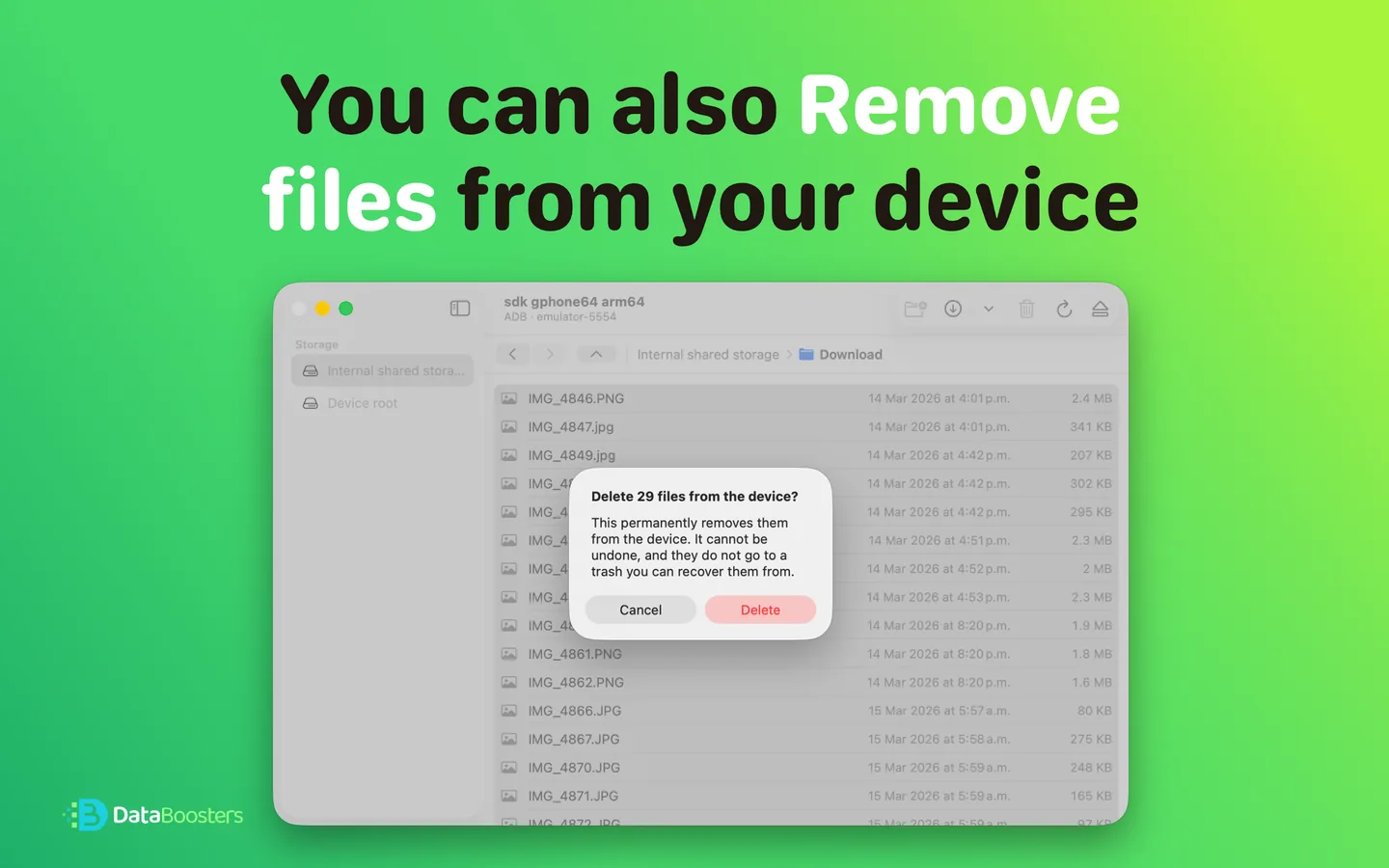
Rename, organize and create folders on your phone. Delete with confirmation, because Android has no trash.
Transfers that actually finish
Most file tools tell you a copy worked. DroidFile checks.
Every file is verified after it lands, and you're told if the size doesn't match.
Files appear on your Mac only when they're complete, so a half-copied video is never mistaken for a finished one.
Free space is checked before sending, so you know in one second, not twenty minutes later.
Same name already there? You choose to keep both or skip. Nothing is ever overwritten silently.
Multi-gigabyte videos stream in small pieces and use the same memory as a text file.
Folders with thousands of photos open without freezing.
Nothing to set up
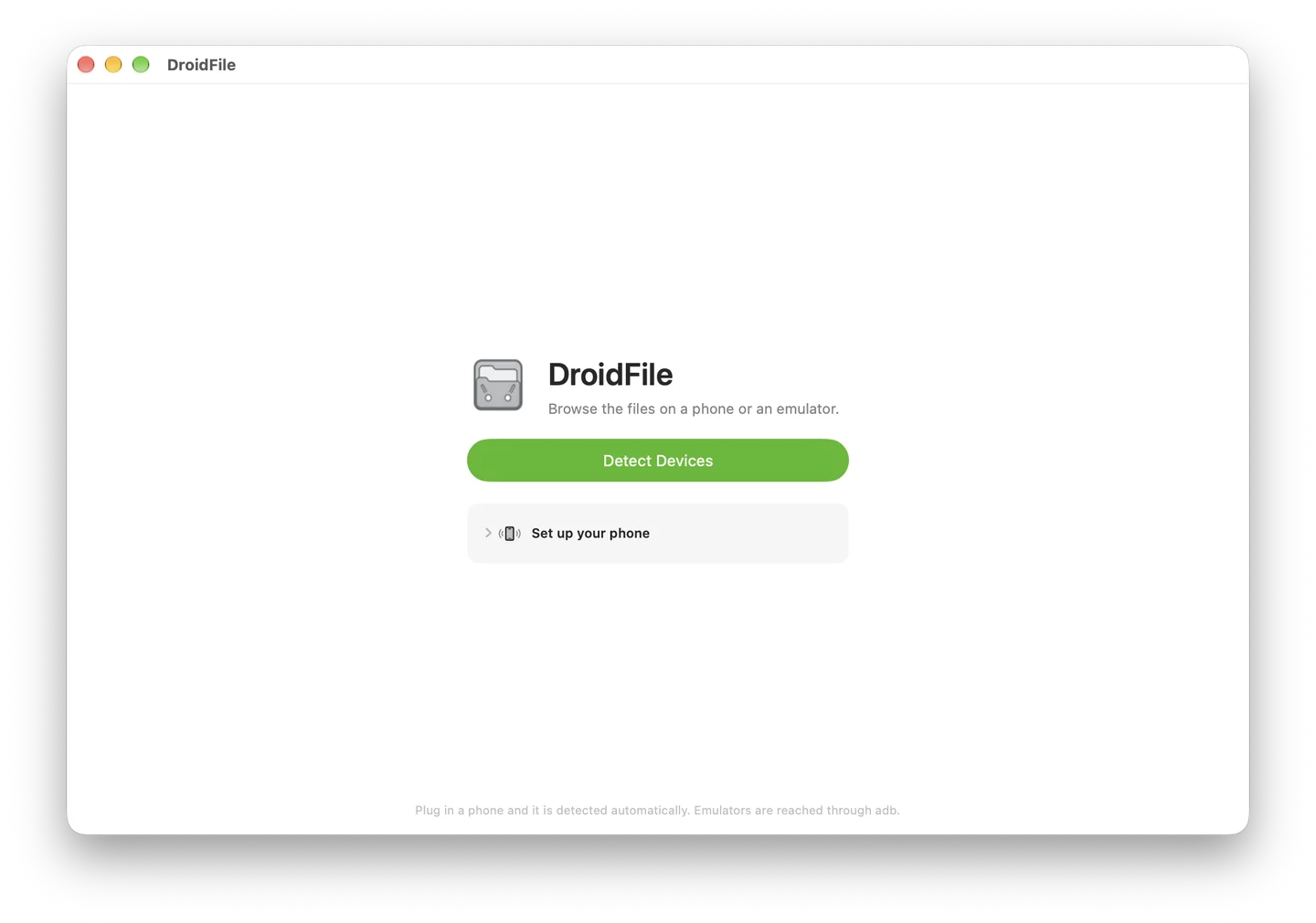
Plug in. Unlock. Start moving files.
No drivers, no companion app on your phone, no developer settings. DroidFile talks to your phone directly over the cable.
- Connect your phone with a USB cable
- Unlock it
- Choose File Transferwhen asked how to use USB
- Start moving files
Everything included
No free tier that only works one way. No features locked behind an upgrade. No subscription to cancel. Every feature in DroidFile is yours from the moment you open it.
Your files stay private
Everything moves over the cable and nowhere else. Nothing is uploaded, scanned or stored.
A real Mac app
Written in Swift for macOS. Native window, sidebar, keyboard shortcuts and light and dark mode. It looks like it belongs on your Mac, because it does.
For developers
Your emulators, too.
Browse Android emulator (AVD) storage the same way you browse a phone. Devices paired over wireless debugging appear too.
Requires Android Debug Bridge (adb).
Move your files today.
Both directions, every feature included. No subscription to cancel.